Google Workspace inboxes, set up for you.
Order inboxes in five steps. Mail Halo creates the Workspace tenant, sets up DNS and two-step verification, and connects every inbox to EmailBison.
Explore sample Invite-only · Sample data in preview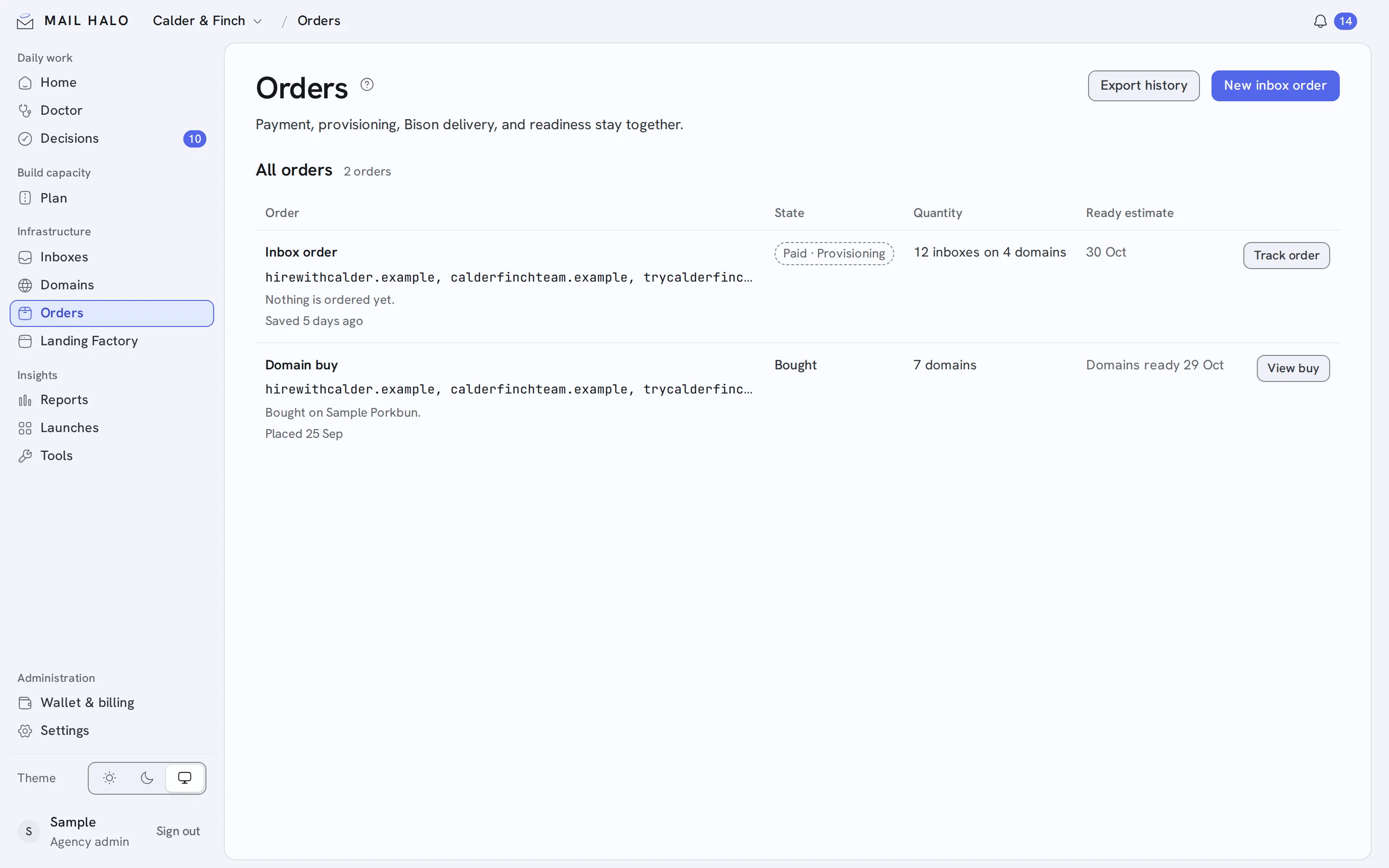
Setting up inboxes by hand is where mistakes start.
Mail Halo provisions each Google Workspace tenant, publishes the MX, SPF and DMARC records, turns on two-step verification and connects the inboxes to your EmailBison workspace. Then they warm before they send.
Order
Choose the domains and how many inboxes: at least 5 on a first order, up to 500 per order.
Provision
The tenant, DNS records and two-step verification are set up automatically.
Connect and warm
Inboxes appear in EmailBison and start warmup. Follow each order on Orders.
Built to send from day one.
- Up to 3 per domain
- Two inboxes per domain by default, never more than three.
- Order tracking
- Follow each order from request to connected.
- CSV export
- Export inboxes as CSV ready for your sequencer.