Let domains age before they send.
Hold each new domain for an aging period before its inboxes go live, with a record of how it got there.
Explore sample Invite-only · Aged-domain shelf coming soon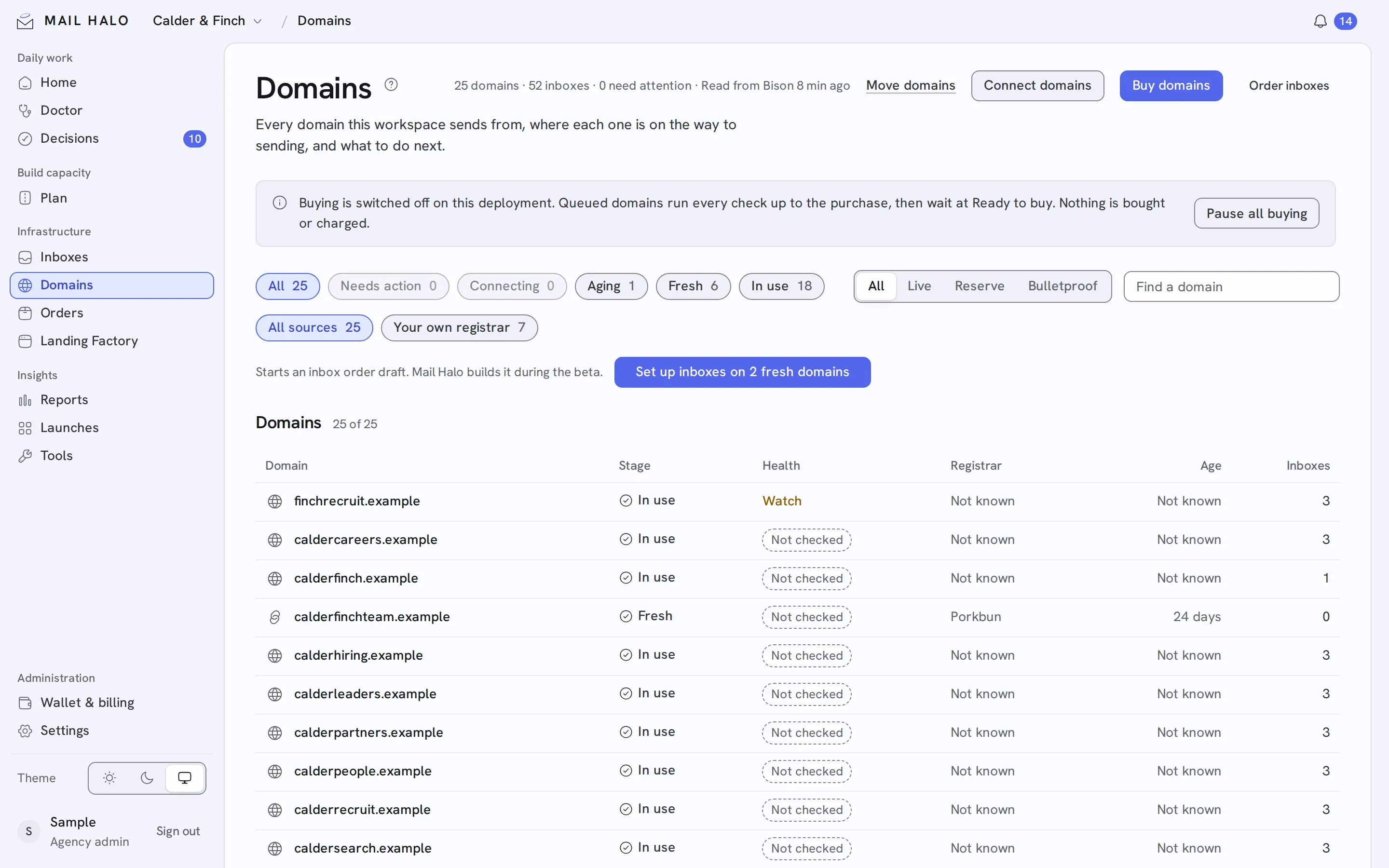
The registration date tells you how old a domain is. Its record tells you how it got there.
Mail Halo holds a domain for the aging period you choose: 14 days by default, or 1, 30, 60 or 90. The Doctor keeps checking it the whole time.
Buy or bring the domain
Buy on your own registrar account, or bring a domain you own with a TXT proof.
Hold it to age
Keep it out of sending until its aging period ends.
Keep the record
Track purchase date, registrar, age and health checks alongside the domain.
What travels with the domain.
- Provenance
- Purchase date, registrar and exact age.
- Health history
- Blocklist and authentication checks across its time in inventory.
- Aged-domain shelf
- Coming soon: domains that have already aged, with their history. It is not taking orders yet.