One client per workspace. One place to manage them.
Keep client domains, inboxes, campaigns and integration keys separate while managing the agency from one account.
Explore sample Invite-only · Sample data in preview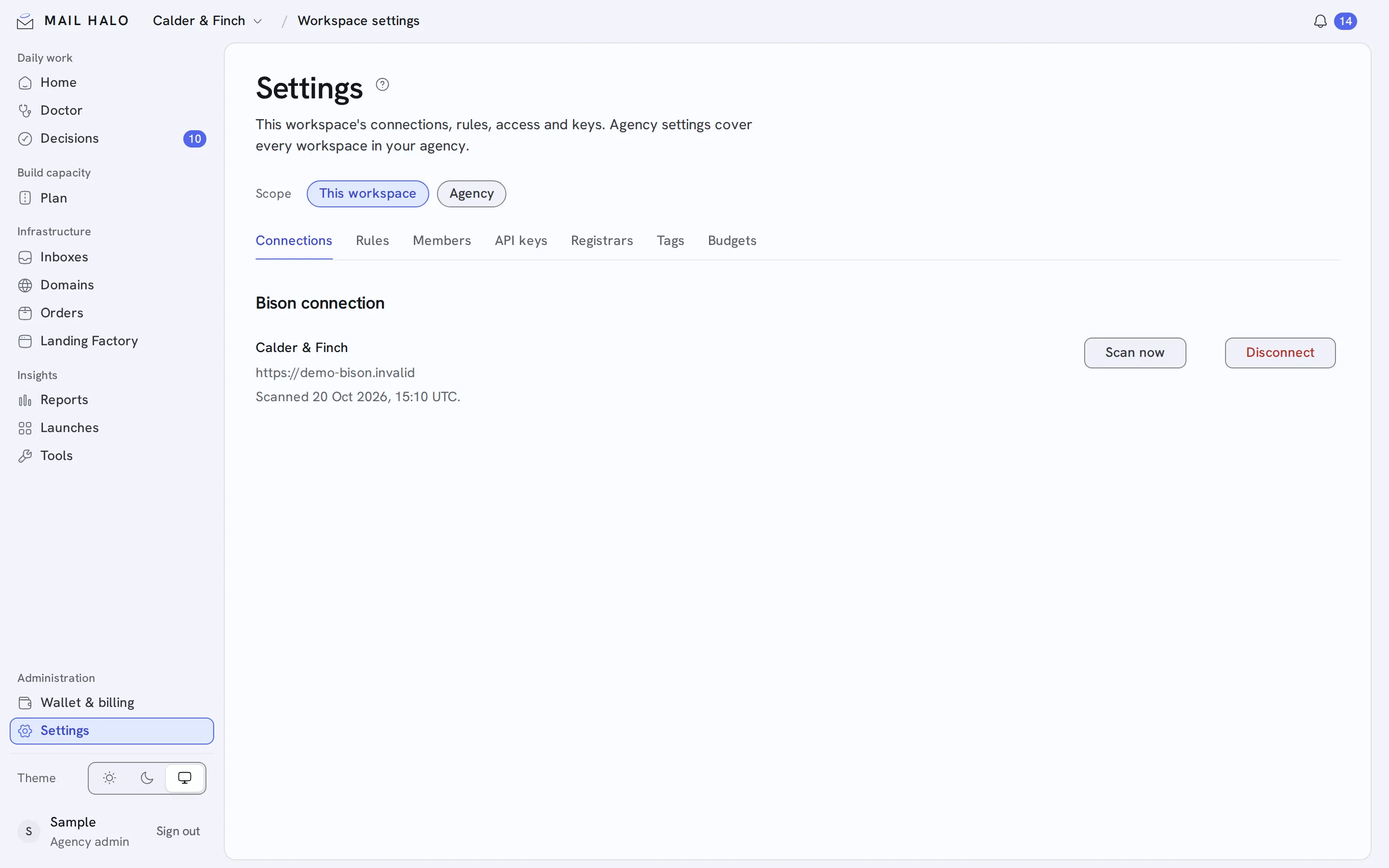
A change for one client should stay with that client.
Each client gets its own workspace. All workspaces sit side by side, marked urgent, healthy or waiting for a sending profile, so operators move between clients without combining their infrastructure.
Separate the client
Organize each client’s domains, inboxes and campaigns in its own workspace.
Connect their tools
Use workspace-specific EmailBison and Cloudflare integrations.
Give the right visibility
Keep agency-wide access with admins and operators, and give clients their own seats.
A clear boundary for every operation.
- Client infrastructure
- Domains and inboxes belong to the selected workspace.
- Scoped API keys
- Read or act keys, each limited to one workspace.
- Client seats
- Clients see their health, never your costs or suppliers.