Start with the inboxes you already have.
Connect your EmailBison workspace and Mail Halo reads every inbox already in it. Nothing has to move.
Explore sample Invite-only · Sample data in preview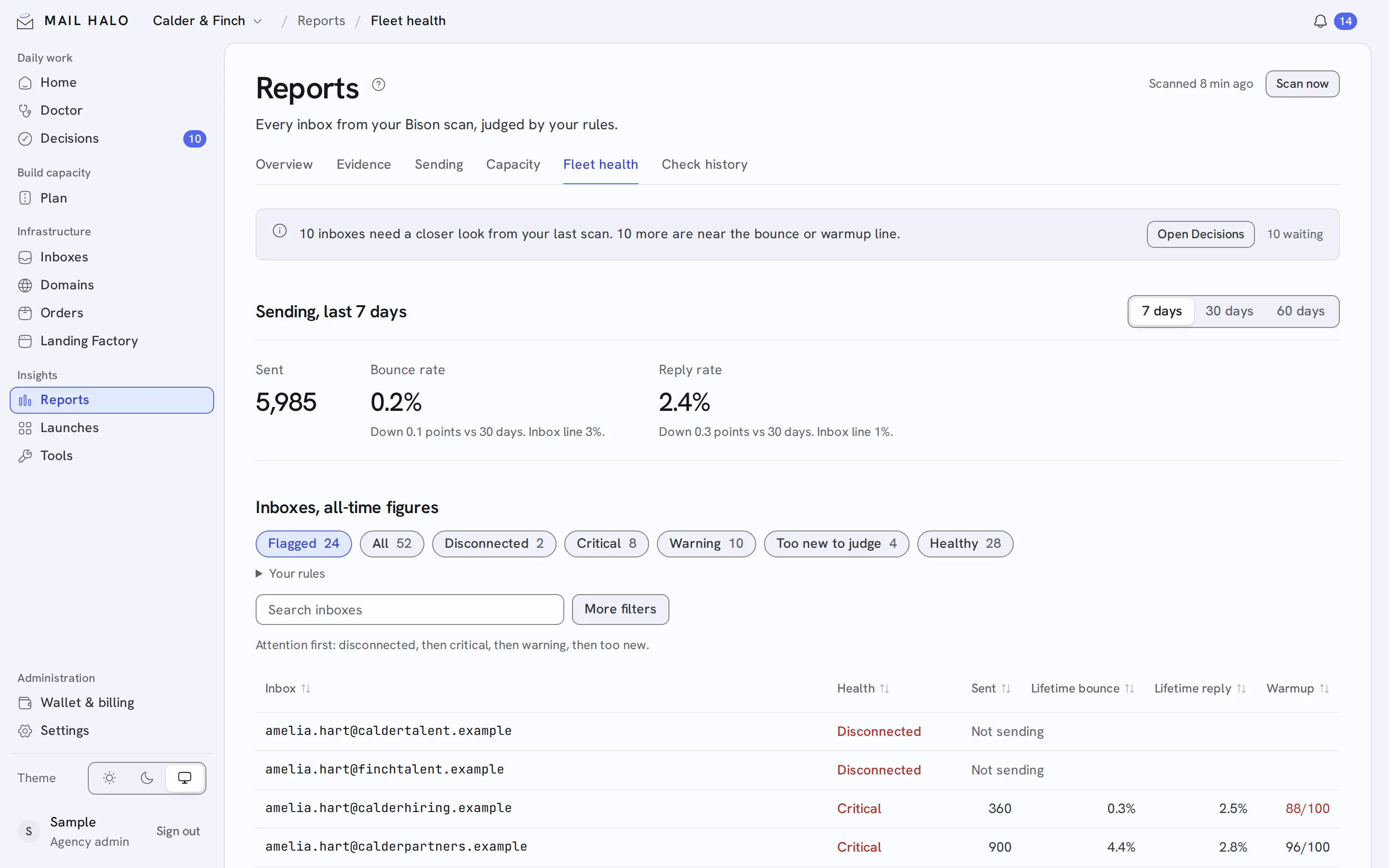
Most teams already run a fleet before they find Mail Halo.
Google, Microsoft 365, Azure and SMTP inboxes in your workspace are each judged by their own provider’s rules from the first nightly scan. Domains you already own come in with a TXT proof.
Connect the workspace
Add your EmailBison workspace API key. Mail Halo reads the inboxes, campaigns and tags already there.
Pick a sending profile
Set the ramp curve and daily limits. Inboxes already ramping are retuned when you change the profile.
Keep them healthy
Every inbox is rescanned nightly and judged against your rules.
Everything you run today, in one fleet.
- Every provider
- Google, Microsoft 365, Azure and SMTP inboxes, each judged by its own rules.
- Your own domains
- Bring domains you already own with a TXT proof.
- A sending profile
- A 21-day ramp by default, up to 20 cold sends a day per inbox.